One Spark-native path from a reviewable
.spark file to
SPARK_BC, local dump, owned
tiny coder steps, helpers on the wire, and docs on Pages —
CLI first, GUI where it helps.
Original Spark diagram — SPARK_BC orchestration bytecode, not
imported neural weights.
Five steps, Spark tools
Inspired by clear CLI→inspect→publish loops elsewhere — rebuilt
around our binaries, dumps, and measured model
claims. No third-party branding on this page.
01
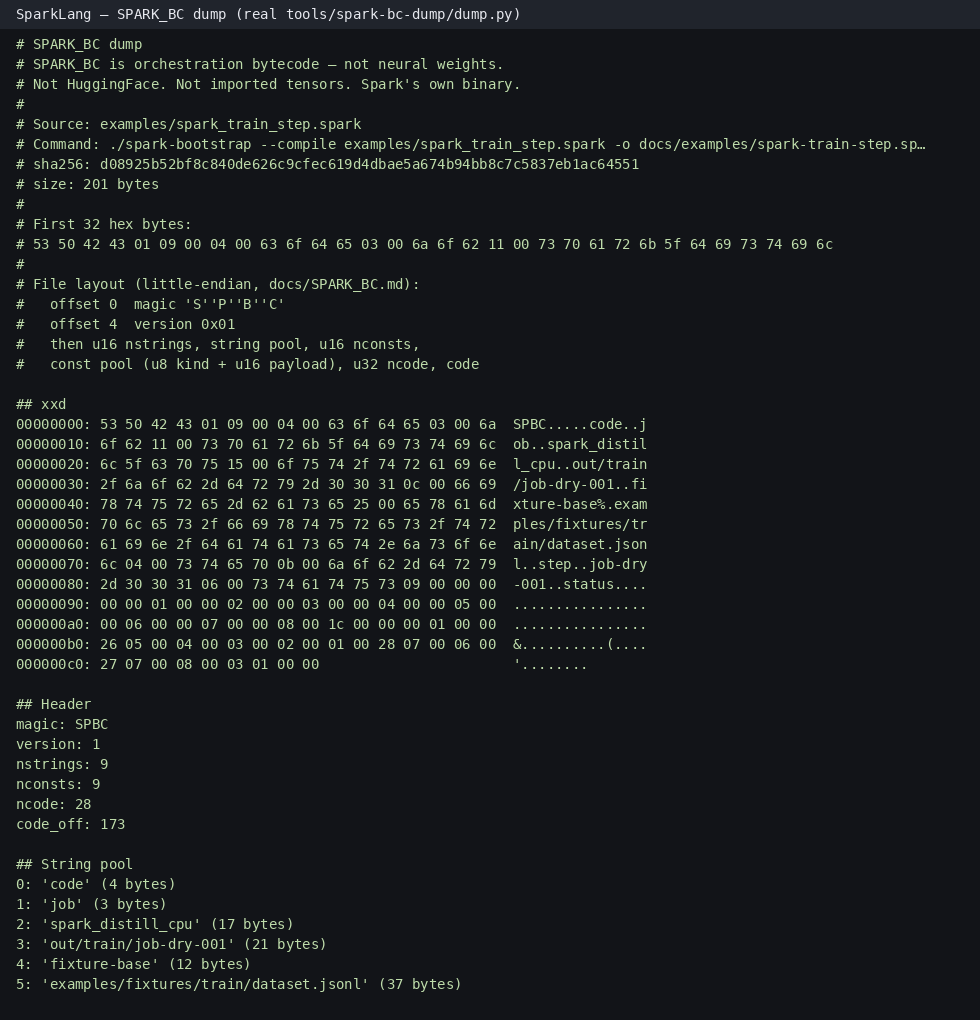
Compile / assemble SPARK_BC
Author a .spark program,
then
./spark-bootstrap --compile
(or open an existing pack). Output is Spark’s own
SPARK_BC — orchestration
ops like TRAIN /
STEP, not a weight dump.
# Local analysis folder — no upload./helpers/spark-analyze docs/examples/spark-train-step.sparkbc./helpers/spark-analyze examples/spark_train_step.spark --ask
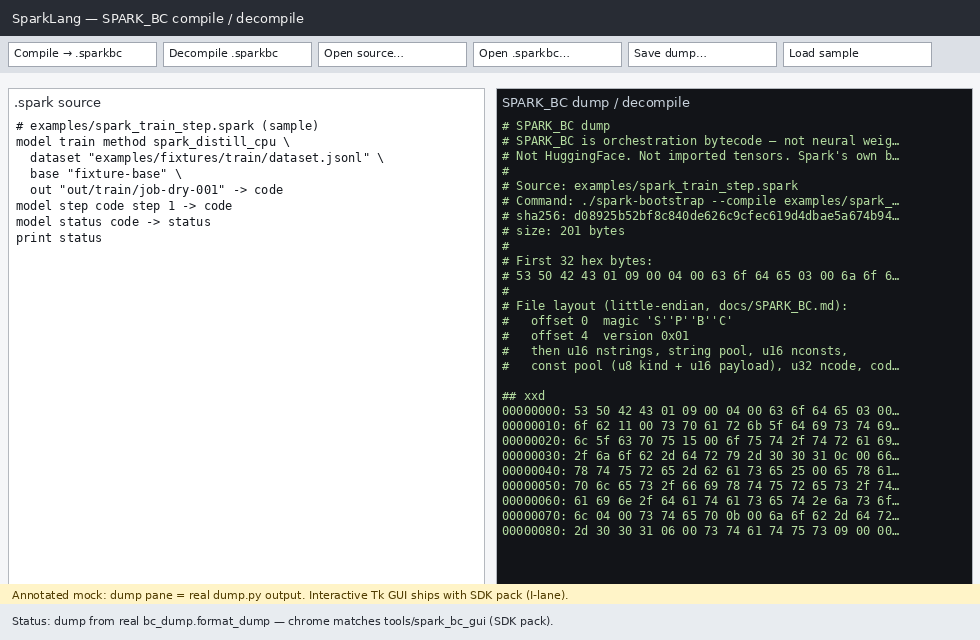
IDE-ish panes mock built from Spark dump vocabulary
(SPBC magic, TRAIN/STEP) — clearly Spark, not pseudo-C
malware reverse engineering.
Voice ask the dump
After inspect, ask in text or speech — ears (STT) →
dump context + owned TinyCoder → speaking (TTS).
Local only; no OpenBin login.
TinyCoder is tiny: dump facts stay SoT; open-ended RE
answers carry a status note.
# Text ask (no mic)./spark-ask docs/examples/spark-train-step.sparkbc \
--text "What opcodes are in this dump?"# Voice loop — dry stub for CI; --mic for live./spark-speak-ask docs/examples/spark-train-step.sparkbc --dry
03
Train / step / spark-coder / voice-easy
Run model train →
model status →
expect in one file.
Owned spark-coder is a
tiny capability — useful for Spark
factory loops, not a claim to beat frontier models.
Train voice / STT / TTS in 3 steps —
Voice easy
(./spark-voice easy):
tiny CI default or
--scale large on a
consumer GPU (or CPU). Owned heads, trained locally.
Ship factory docs and examples on
sparklang.dev
(Cloudflare Pages). Share packs and captures from the
gallery below — Spark-appropriate examples, not a malware
community feed.